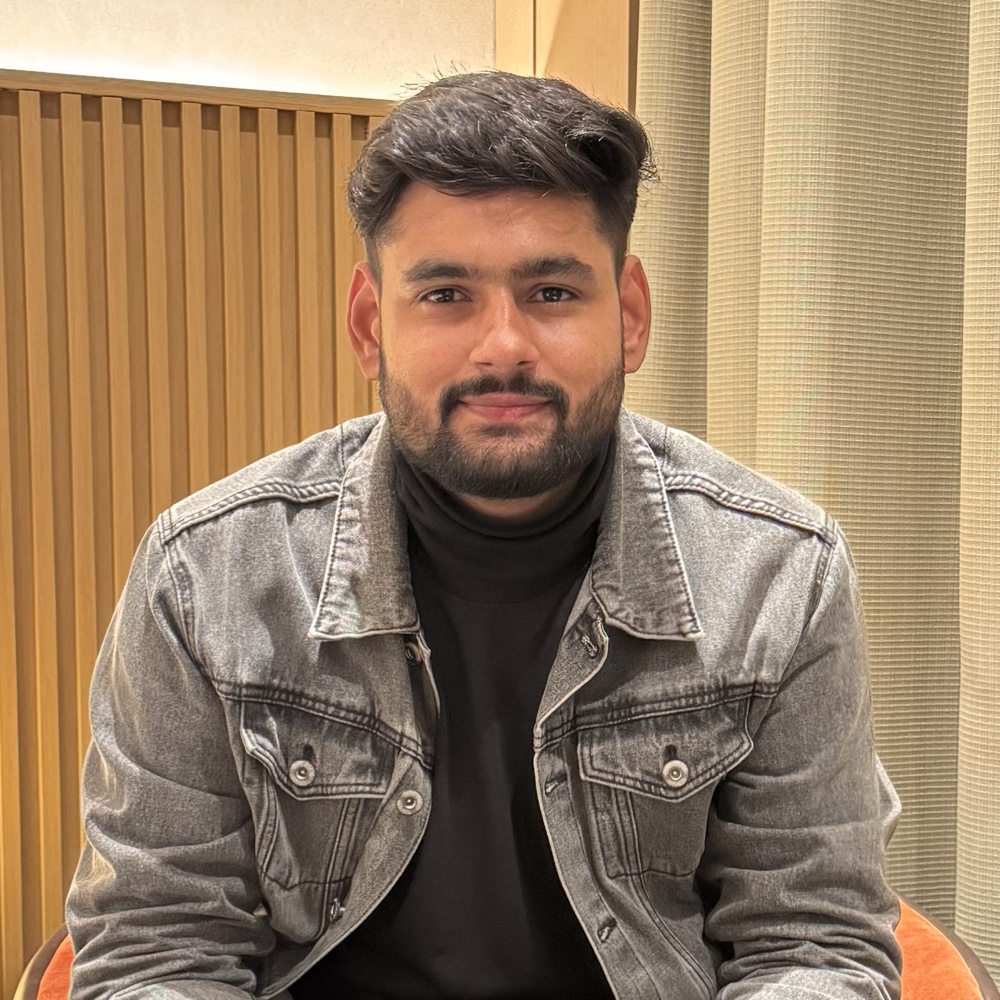
What I do
Most of my working week goes into teaching teams how to use AI tools at work, such as Claude, ChatGPT, Gemini and Microsoft Copilot. My background is in software development and cybersecurity. I have trained teams at companies like NTPC, Meenakshi Polymers and In4Velocity, and represented India at an AI event in Qatar.
Outside training I build my own apps. Besides DiskMate there is PasteBuddy, a clipboard history app for Mac, and Minilytics, free and open-source web analytics.
Why DiskMate exists
Storage runs out on every Mac sooner or later, and the space usually hides in places Finder doesn't show: caches, app leftovers, developer files and, more and more, AI models. I wanted one app that shows all of it, tells you plainly what is safe to remove, and doesn't charge a yearly fee for that.
Cleanup is also a job you repeat. You can ask an AI agent to clear your disk, but it will work it out from scratch each time. DiskMate does the same checks the same way every time, fully offline.
How DiskMate treats your files
- It runs entirely on your Mac. Nothing about your files is uploaded. The details are in the privacy policy.
- It never deletes without asking. You see every file it suggests and choose what goes.
- Everything goes to the Trash first, so you can put it back.
- You pay once. $5, no subscription, with a 14-day refund if it isn't for you. See the terms.
How the guides are written
The guides on this site are tested on my own Mac. When a guide quotes a size, it is a real number from my Mac or from a source I link to. My Mac has a 1 TB drive, so I also show what the same size means on a 256 GB or 512 GB Mac. If something is wrong or out of date, tell me and I'll fix it.
Newest guide: DaisyDisk Alternatives for Mac in 2026, Compared Fairly.
Get in touch
- Email: surendrapandar.work@gmail.com (support, bugs, feature ideas)
- X: @surendra_pandar
- LinkedIn: Surendra Pandar
- YouTube: @surendrapandar
- GitHub: surendrapandar
- Website: surendrapandar.com